What is Dr.EV?
This is a battery management platform that analyzes the health of Tesla batteries in real time and reduces unnecessary maintenance costs with data-based insights.
EV Battery Intelligence
We analyze your driving data and charging history to show battery health and residual value in clear numbers.
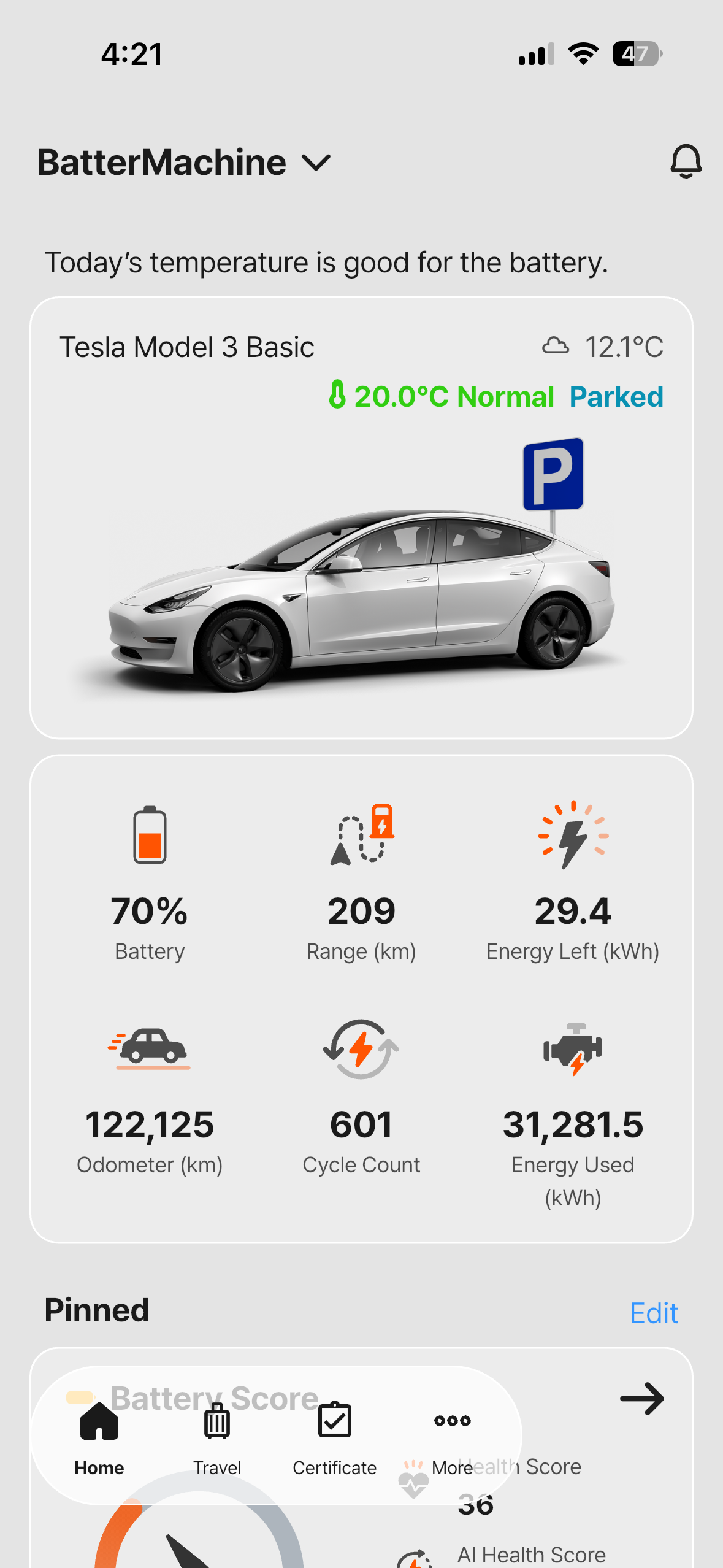
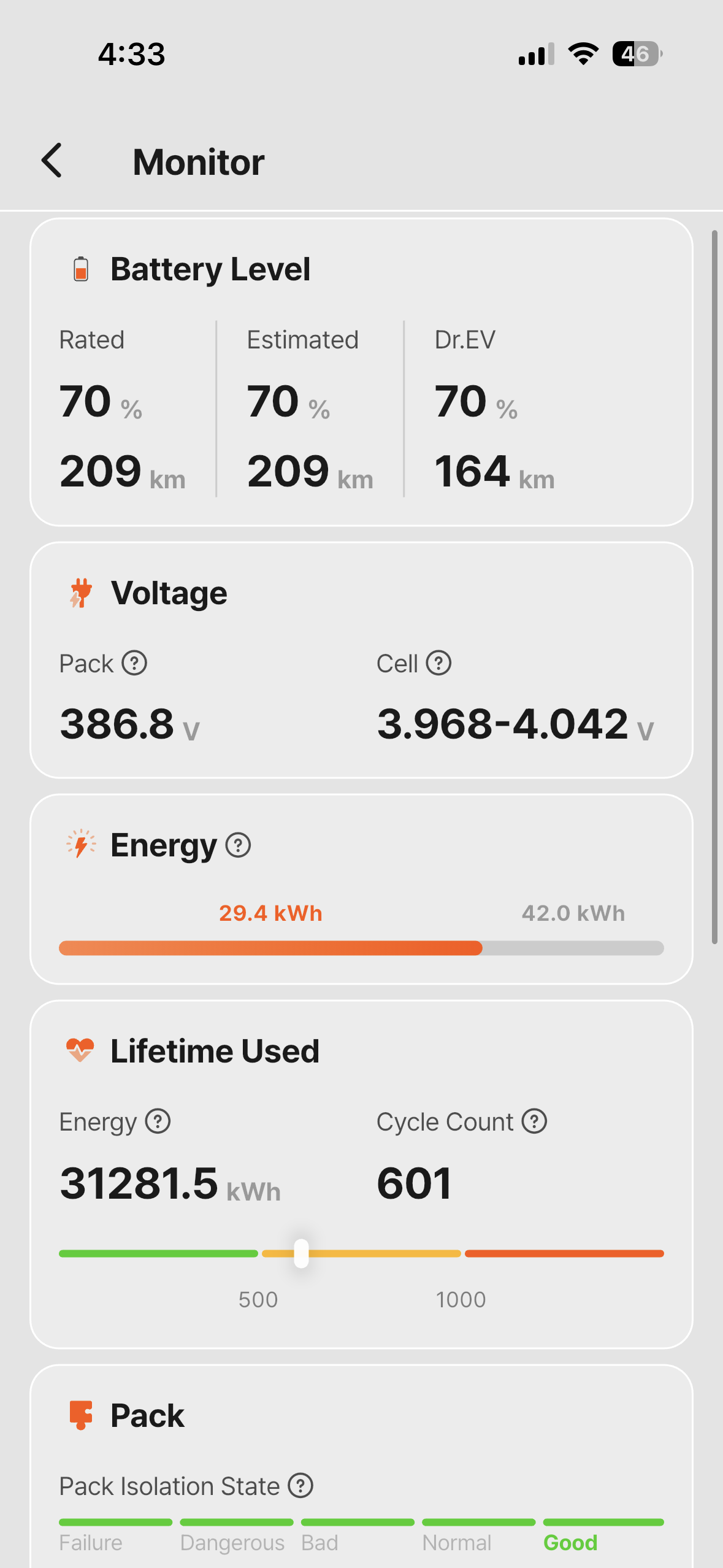
See how Dr.EV helps Tesla owners solve their battery concerns.
This is a battery management platform that analyzes the health of Tesla batteries in real time and reduces unnecessary maintenance costs with data-based insights.
It's hard to pinpoint range loss or charging issues by feel alone. Dr.EV catches early warning signs through SoH and charging efficiency metrics.
AI diagnostics and real-time alerts help you make timely decisions. Monthly reports let you track your car's condition at a glance.
Overcoming the limits of guesswork-based management with data-driven insights.
Check supported Tesla models and detailed operating policies.
Supported countries
Worldwide
Supported languages
Korean / English / Chinese + 15 more
App version policy
Latest version prioritized
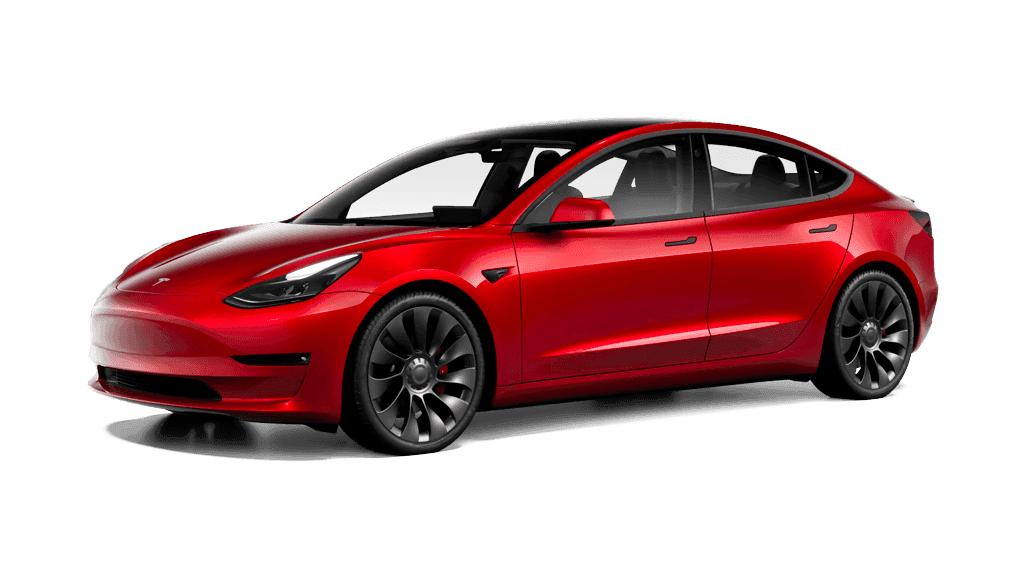
Model 3
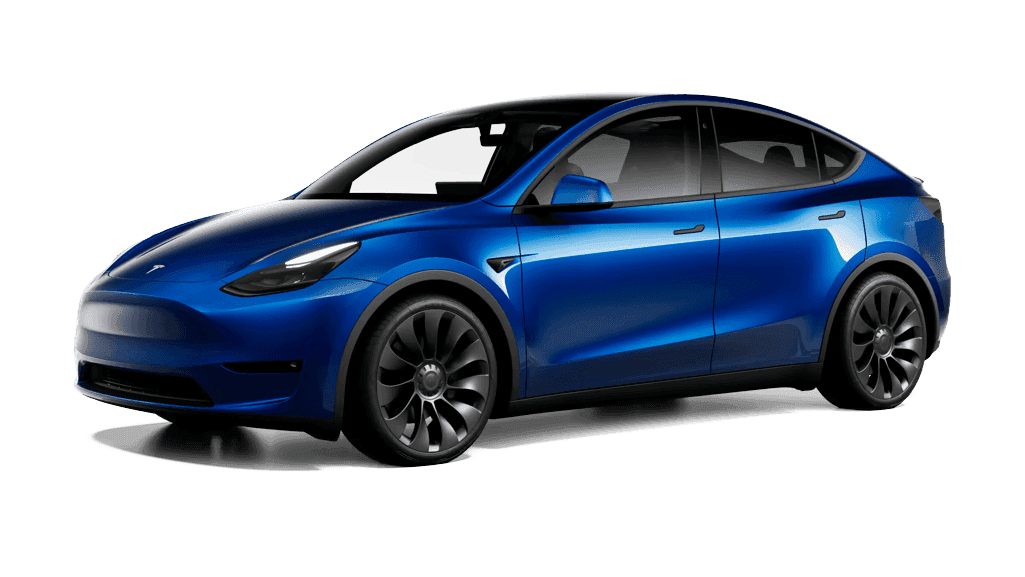
Model Y
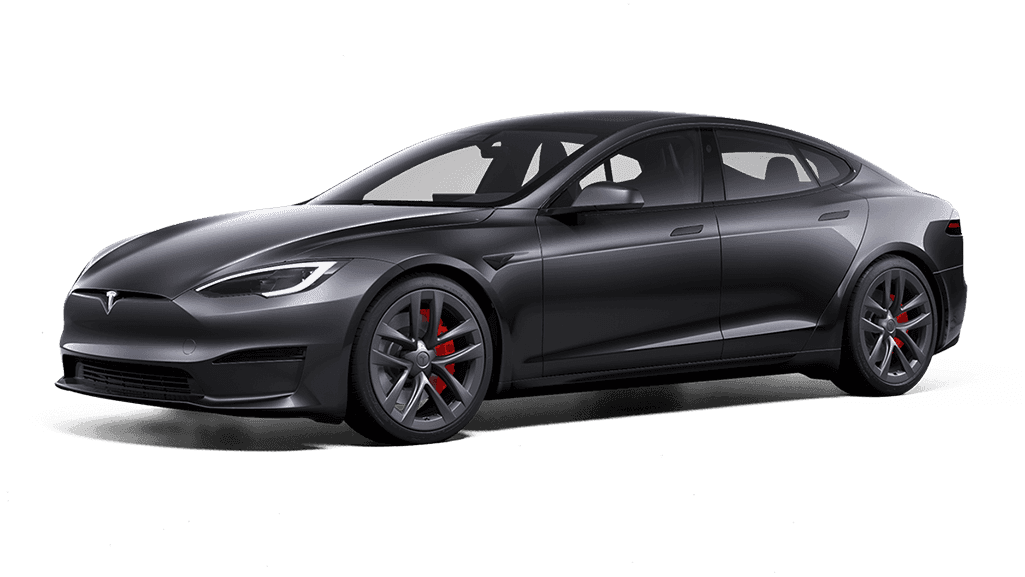
Model S
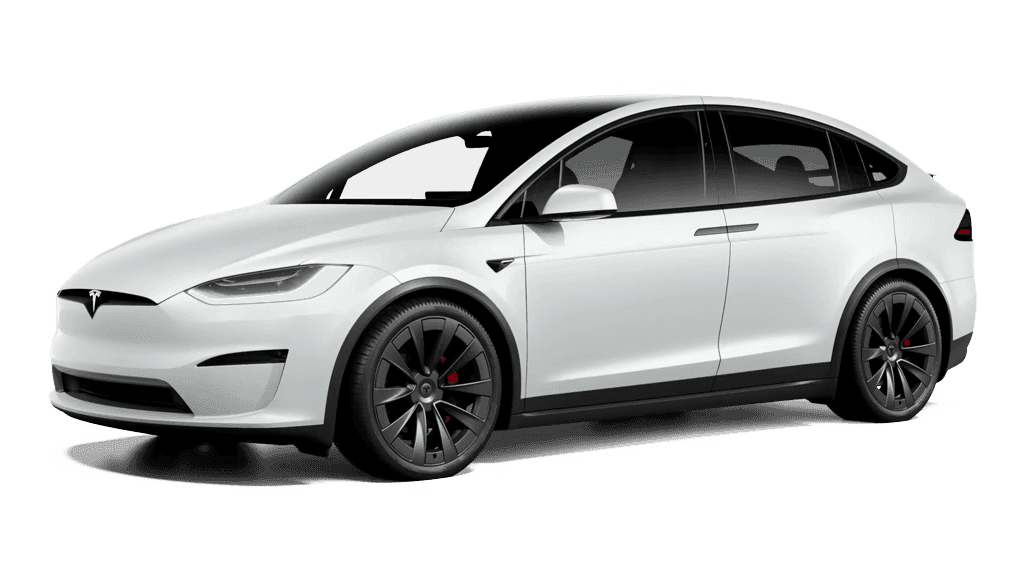
Model X

Cybertruck
Regular Tesla vehicles require firmware 2024.26 or higher.
Intel Atom-based older Model S and Model X require firmware 2025.20 or later.
You can check your car's firmware version in the Tesla app or on the vehicle screen → Software.
Get started with battery diagnostics in just 4 simple steps.
Install the DR.EV app from the App Store or Google Play.
Connect your Tesla account with secure OAuth authentication.
Register the Dr.EV virtual key to the vehicle.
Battery health and charging efficiency analysis begins immediately after setup.
Check your Tesla's battery status right now.